Overselling prevention
What is overselling prevention
The Overselling Prevention functionality helps to prevent overselling your stock and affects backorders setting. In the Store Settings you can configure overselling prevention.
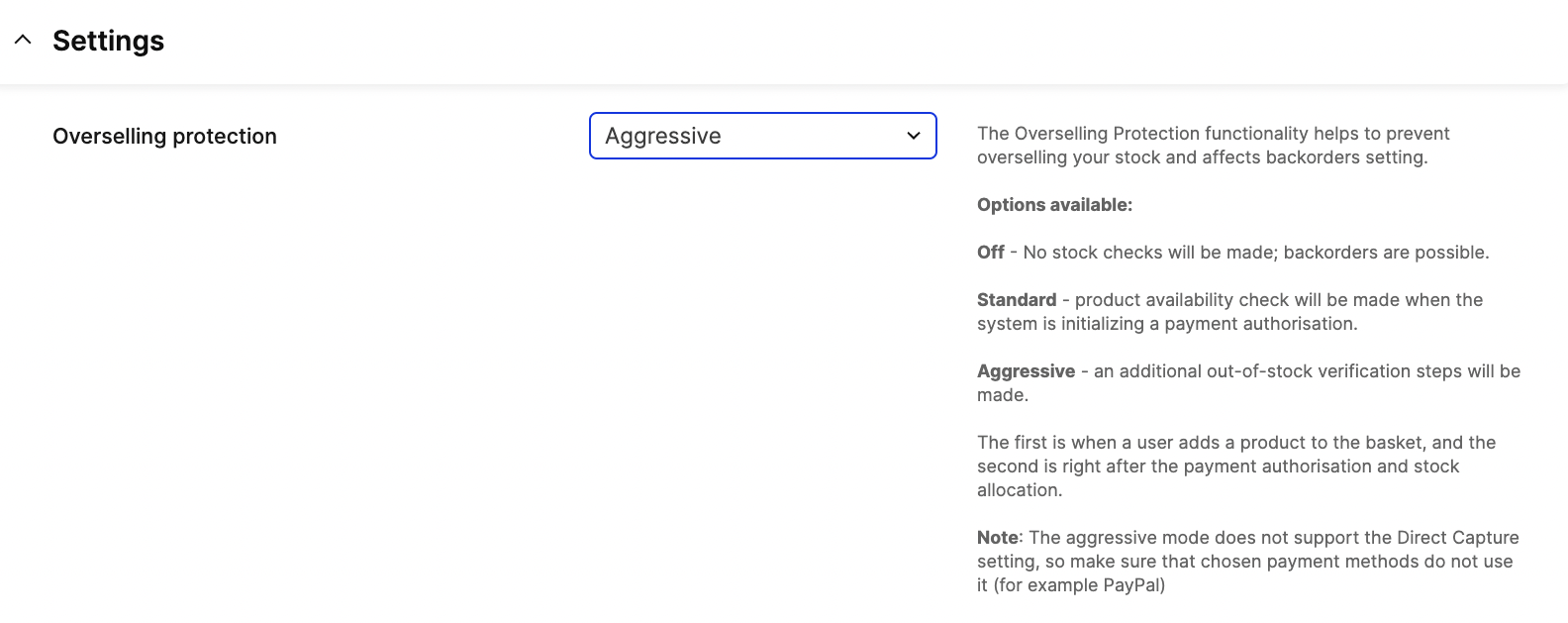
Options available:
- Off - No stock checks will be made, and therefore backorders are possible.
- Standard - Product availability check will be made when the system is initializing a payment authorisation.
- Aggressive - Additional out-of-stock verification steps will be made. The first is when a user adds a product to the basket, and the second is right after the payment authorisation and stock allocation.
The aggressive mode does not support the Direct Capture setting, so make sure that chosen payment methods do not use it (for example PayPal)
How does it work?
The additional stock check is performed during given stages:
Add item to selection (aggressive mode only)
When overselling prevention mode is set to aggressive, stock will be checked in all endpoints for add/modify items in basket.
Overselling prevention will remove missing stock from basket and add unavailable data to response if requested items are missing.
Storefront API Endpoints:
addItemaddFlexibleBundleupdateLinesetCountryStatesetAddress(if changing country)paymentInstructionstriggerSelectionAction
Responses:
When only part of requested items is out of stock HTTP 200 OK will be returned with unavailable data.
      "userErrors": [
        {
          "__typename": "UnavailableItem",
          "message": "item 61-43 removed due to availability",
          "path": [
            "selection",
            "lines",
            "0"
          ]
        }
      ]
When all requested items are out of stock HTTP 200 OK will be returned with out of stock error.
  "errors": [
    {
      "message": "out of stock",
      "path": [
        "addItem"
      ]
    }
  ],
Initialize payment POST /payment (standard and aggressive mode)
Responses:
When any requested items are out of stock HTTP 410 Gone will be returned with unavailable items error.
{
  "errors": {
    "stock": "unavailable items"
  },
  "unavailable": [
    {
      "item": "1-1",
      "product": "1",
      "originalQuantity": 5,
      "unavailable": 4,
      "available": 1
    }
  ]
}
Payment authorisation POST /payment-result (aggressive mode only)
Overselling prevention in payment result works for now in Adyen Drop-in and Stripe Checkout.
If any item in cart has missing stock, payment will be cancelled and basket items updated.
To finalize the order new payment initialization has to be called POST /payment.
Responses:
When any requested items are out of stock HTTP 410 Gone will be returned with unavailable items error.
{
  "errors": {
    "stock": "unavailable items"
  },
  "unavailable": [
    {
      "item": "1-1",
      "product": "1",
      "originalQuantity": 5,
      "unavailable": 2,
      "available": 3
    }
  ],
  "cancellation": {
    "grandTotalPrice": "200.00 SEK",
    "grandTotalPriceAsNumber": 200,
    "currency": "SEK"
  }
}